ID and catch logs for microchipped lakes
CarpChip™ turns your fish ID into a digital register.
Anglers scan one QR code — you get fish tag ID, catch records, weight, time, trends and photos all in one place.
Full LakePro access for 7 days · No card needed to start · Cancel any time
Take the interactive tour·Book a demo·Sign in
“CarpChip is a game-changer for keeping track of all your carp and catch reports. It helps you keep a detailed record of each catch — and it's just nice to have all that information in one place!”
Why CarpChip exists
Not about replacing your experience. Just about making one part easier.
CarpChip is not about telling lake owners how to run their fishery. It is not about replacing experience, judgement or the knowledge people already have of their own water.
It is simply about making one part of fishery management easier. Instead of relying on paper stock books, photographs and memory, each fish can have its own permanent microchip ID with its history linked to it.
“It’s really just your fish list without the paper.”
The lake stays the same. The fishing stays the same. The fish stay the same. CarpChip just gives lake owners a simpler way to know which fish is which, keep better records and understand how their stock is developing over time.
Knowing your fish better, so you can look after them better.
Microchipped fish
Register every fish with its CarpChip Fish ID, species, name, weight and a photo.
QR catch form
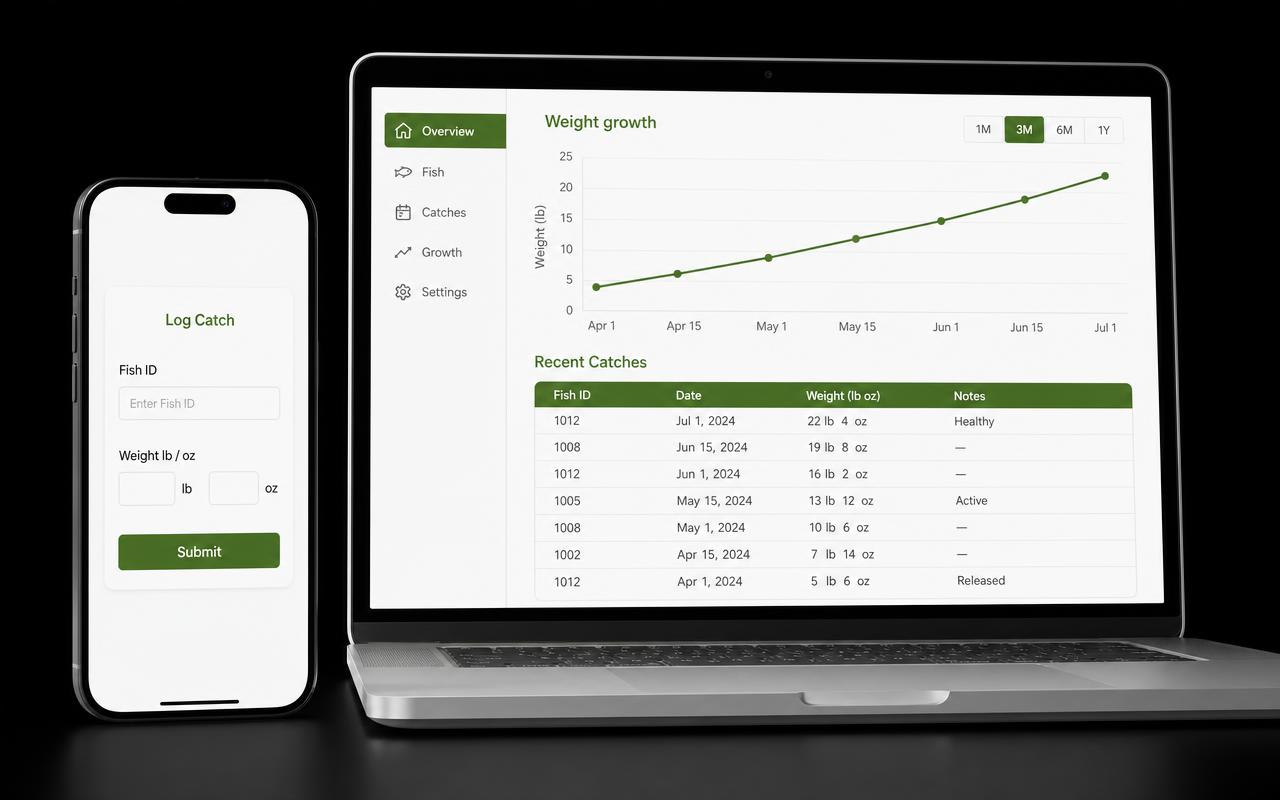
One code per lake. Anglers enter the Fish ID, weight and photo — done.
Weight alerts
Digital reports show gains and losses by fish. Easily spot trends and patterns.
LakePro — weight alerts
Spot a fish losing condition before you lose the fish
Every catch is weighed in against the fish's ID, so CarpChip builds a weight history for each fish automatically. Reports show gains and losses fish-by-fish — a carp that drops weight between captures stands out immediately, so you can check stock health, adjust feeding and act early.
- Weight history per fish, built automatically from catches
- Gains and losses shown in plain lb & oz — no spreadsheets
- Feeding programme records sit alongside catch weights
Weight history — last 6 months
Example data — a fish trending down is flagged straight from its catch history.
Why lake owners trust CarpChip
Your fishery record is the asset. We build like it can never be lost — even when the bank has no signal.
Works in low signal
Catches are saved on the angler's phone first, then synced automatically when signal returns. Nothing is lost at the water's edge.
Backed up every night
Every lake is mirrored to independent off-platform storage daily, and deletions are recoverable — so your history can always be reinstated.
Your data, exportable
Download your full fish ID list and catch log as CSV any time, and re-import it. No lock-in, no hostage data.
Private by default
Only you can see your lake's records. Photos sit in private storage and are never sold, shared or reused for marketing.
Daily catch digest
An email summary of every catch logged in the last 24 hours lands each evening, so you always know what's happening on your lake.
Real people behind it
Built with UK fisheries, supported directly by us on email and WhatsApp — usually the same day.
Featured lake
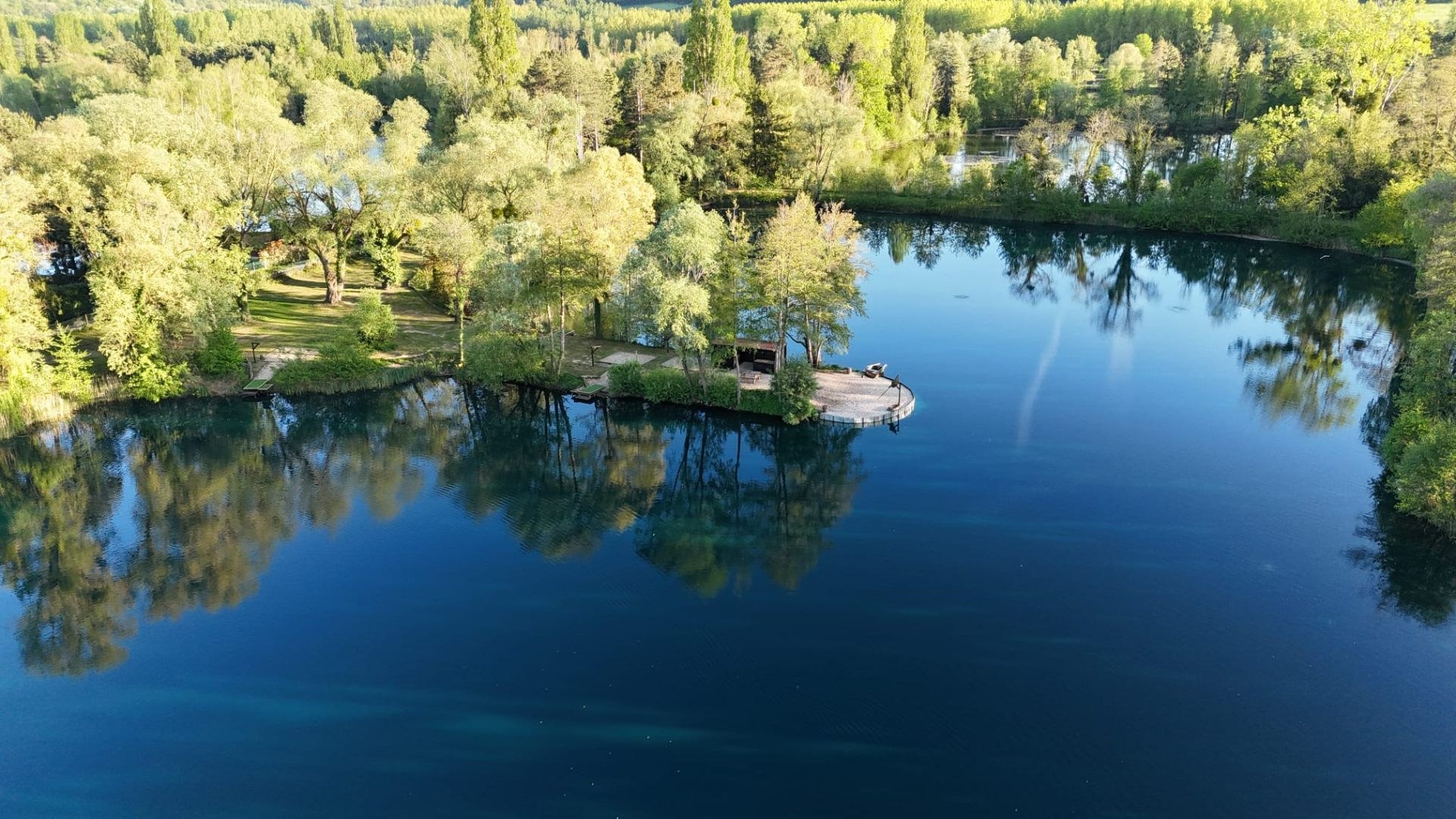
Willow Pool France — a 5-acre lake near Calais with around 150 carp from 20 lb to 55 lb — keeps every catch record on CarpChip.
Read the lake owner story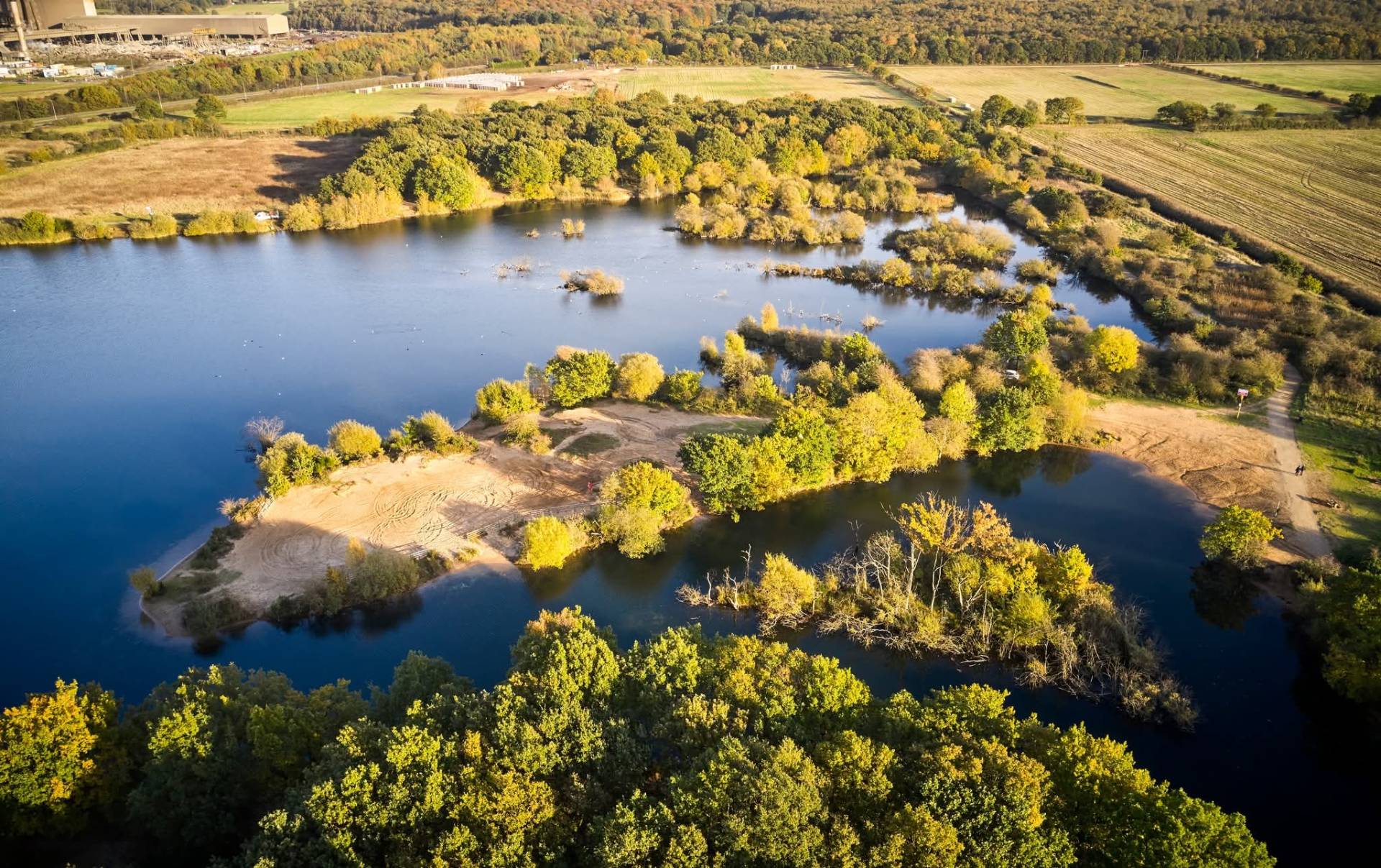
Microchipping case study
Ashby Ville Syndicate — a 27-acre North Lincolnshire syndicate with approaching 100 carp — introduced microchipping with CarpChip support. Not an app user.
Read the microchipping storyNew to microchipping your stock? Read the lake owner's guide to microchipping carp
New to tagging? Check out our starter kits and scanners.
Start free. Choose a plan when you're ready.
Every trial starts with 7 days of full LakePro access — no card needed. Pick your plan at the end of the trial and subscribe securely with Stripe. Pay monthly, or choose annual billing and get 2 months free.
Standard
Core microchipped fish records, QR logging & 50 free photos.
then £19.99/month — or £199.90/year (2 months free). No card needed to start.
- Microchipped Fish list
- Catch logging
- CSV download & re-import
- QR code sharing
- Daily catch digest email
- 50 free photo uploads
- Unlimited photo uploads
- Weight alerts
- Social media post creator
- Reports & lake insights
- Advertise your lake with verified stats
No card needed · Cancel any time
LakePro
Most popularEverything in Standard, plus insights, unlimited photos & lake marketing stats.
then £29.99/month — or £299.90/year (2 months free). No card needed to start.
- Microchipped Fish list
- Catch logging
- CSV download & re-import
- QR code sharing
- Daily catch digest email
- Unlimited photo uploads
- Weight alerts
- Social media post creator
- Reports & lake insights
- Advertise your lake with verified stats
- Stat-led share templates: top catches & monthly activity
No card needed · Cancel any time
Annual billing: Standard £199.90 / year, LakePro £299.90 / year — 2 months free. After the free trial, subscriptions renew automatically each billing period until cancelled. Cancel any time from the billing portal — access continues to the end of the paid period.
Common questions
- Do I need a card to start the free trial?
- No. Sign up with your email and you get 7 days of full LakePro access straight away. You only enter payment details when you choose a plan.
- What happens at the end of the 7 days?
- Your data stays exactly where it is. Choose Standard or LakePro to keep logging catches, or download your full CSV records at any point.
- Do anglers need an app or an account?
- No. They scan your lake's QR code, enter the Fish ID and weight, and submit. It works in the phone browser and saves locally if signal drops.
- What if my lake has poor mobile signal?
- Catch forms save on the angler's phone first and sync automatically when signal returns, so nothing is lost at the bankside.
- Is my lake data private?
- Yes. Only your account can see your lake's fish, catches and photos. We never sell or reuse your data, and photos are stored privately.
- Can I get my data out?
- Any time. Download your fish ID list and catch log as CSV, and re-import them if you ever need to restore records.
How CarpChip works
Replace paper notebooks with a simple digital workflow. Microchip each fish once, share your lake's QR code, and let anglers build an accurate record every time they catch.
Microchip the fish
Assign a CarpChip Fish ID to each fish. Record species, name and starting weight in seconds.
Log the catch
No more paper recording. Every capture is logged digitally against the fish's unique ID.
Angler scans QR
Anglers scan your lake's QR code, enter the fish ID and weight, and submit the catch form.
Photo record
LakePro users can attach catch photos, creating a visual history alongside each weight.
View insights
See microchipped fish, catch history, weight trends and lake information in one easy-to-read place.
A complete lake record, without the paperwork
Once a fish is microchipped, every future catch adds to its digital record. Anglers do the data entry for you by scanning the QR code after the Fish ID has been read. You simply open CarpChip to review microchipped fish, recent catches, weight changes and lake activity — all with photos and clear, easy-to-view information.
Scan → Enter → Submit
Angler completes in under a minute
Accurate fish IDs every time
Weight history builds automatically
Photos attached to each catch
Download this as an app
Install CarpChip on your phone or PC and get a home screen icon.
Tap Install app if you see a browser prompt. If no prompt appears, tap the button for step-by-step instructions.